TUTORIAL ( https://slides.com/ ) _ Slides is a place for creating, presenting and sharing slide decks. _ This tutorial will explore how we can use and make the most of this tool. 1) First, we have to click https://slides.com/ and then w e will find the buttons Sign up now and Learn more ( picture A ). If we press Learn more we will find an explanation of what Slides can do ( picture B ). (Picture A) (Picture B) 2) If we press Sign up , we can choose whether to use it for free by clicking free plan (Public) or to use it by paying for different prices (Lite, Pro and Team). 3) Once we have chosen, we will be able to log in with an email account or with Facebook or Google. (Always remember to accept the terms and conditions of the service) 4) After selecting, we will find three options of which we will be focusing on two: Create a deck and Tell me more. _ If we click...
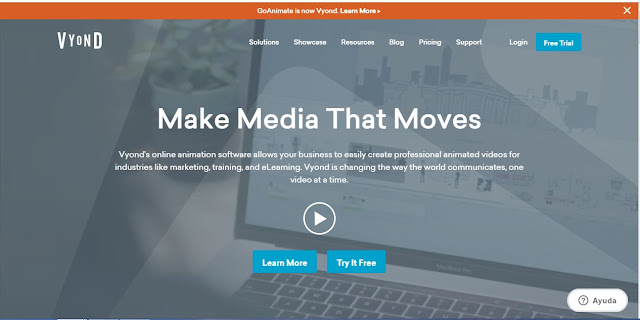
VYOND WHAT IS VYOND? With Vyond, anyone can make media that moves. Built for professionals of all skill levels in all industries, Vyond lets you create dynamic videos for any audience. Usefulness: Distributed workers and diversity challenge the enterprise: Vyond lets you create characters to fit any context. From specific jobs and workplaces to casual environments, Vyond gives you modern casual settings and whiteboard animations for hundreds of combinations to address your employees around the world. Your videos can be anywhere you want them to be: Create MP4s or animated GIFs in a click. Host them wherever you like or import them into other platforms like Storyline or Captivate. Your ROI from media and communications has to be clear: Vyond’s pricing and flexible plans allow more control and transparency over your communication costs — saving you money and time. Pro Media Without the Pro Budget: Don’t let tight timelines and small budgets stop you from making ...

Comentarios
Publicar un comentario